
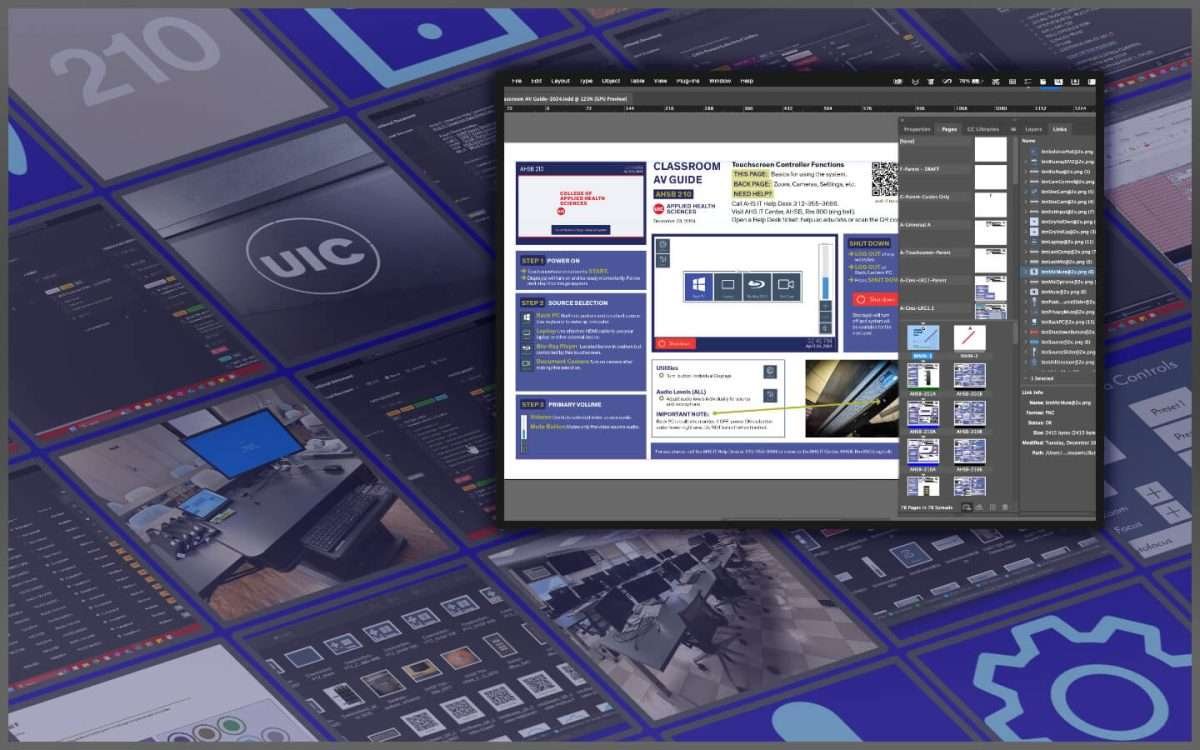
UIC-AHS-IT Info Guides
In my professional life, the second half of 2024 included a large project for the IT Dept of the College of Applied Health Sciences at the University of Illinois Chicago. I was hired specifically for this project as a contract employee using a broad variety of my skills and experience to bring it together. This article is about that entire project and process.
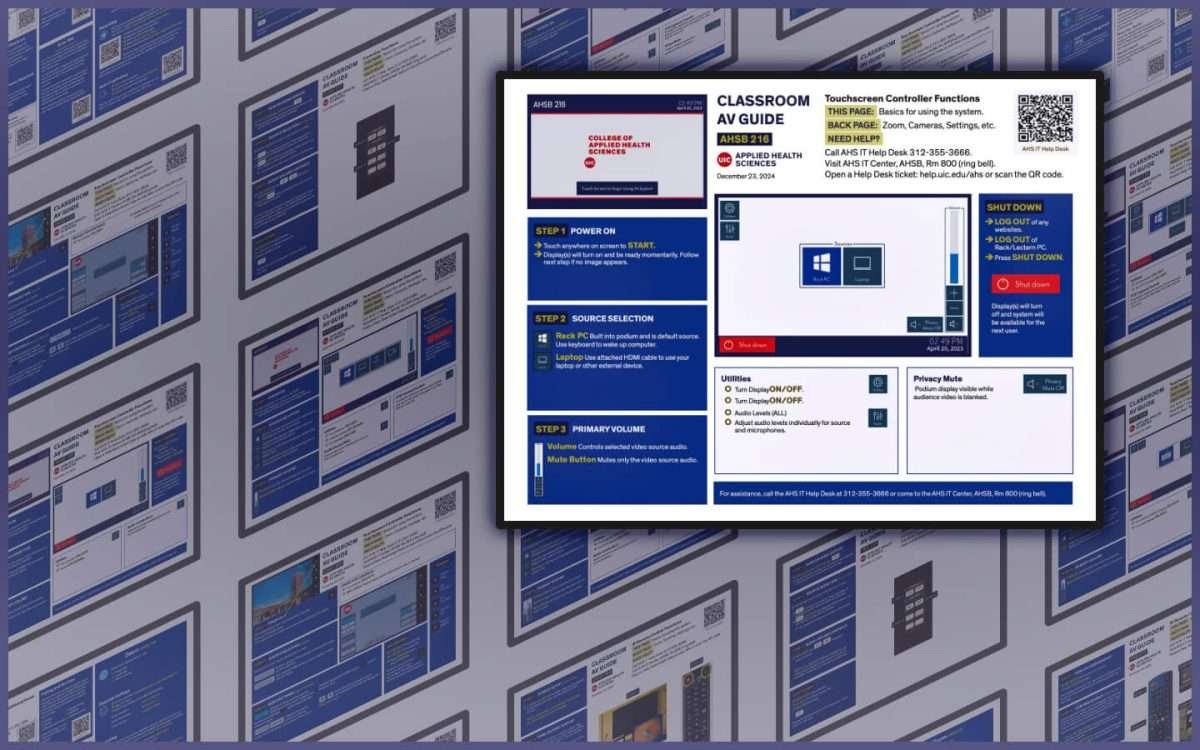
The end product was a series of user guides for each of the thirty-eight different audio-visual technology systems located within their facilities. These ranged from small conference rooms to large lecture halls. There were multiple varieties of control interfaces and multiple eras of technology involved.
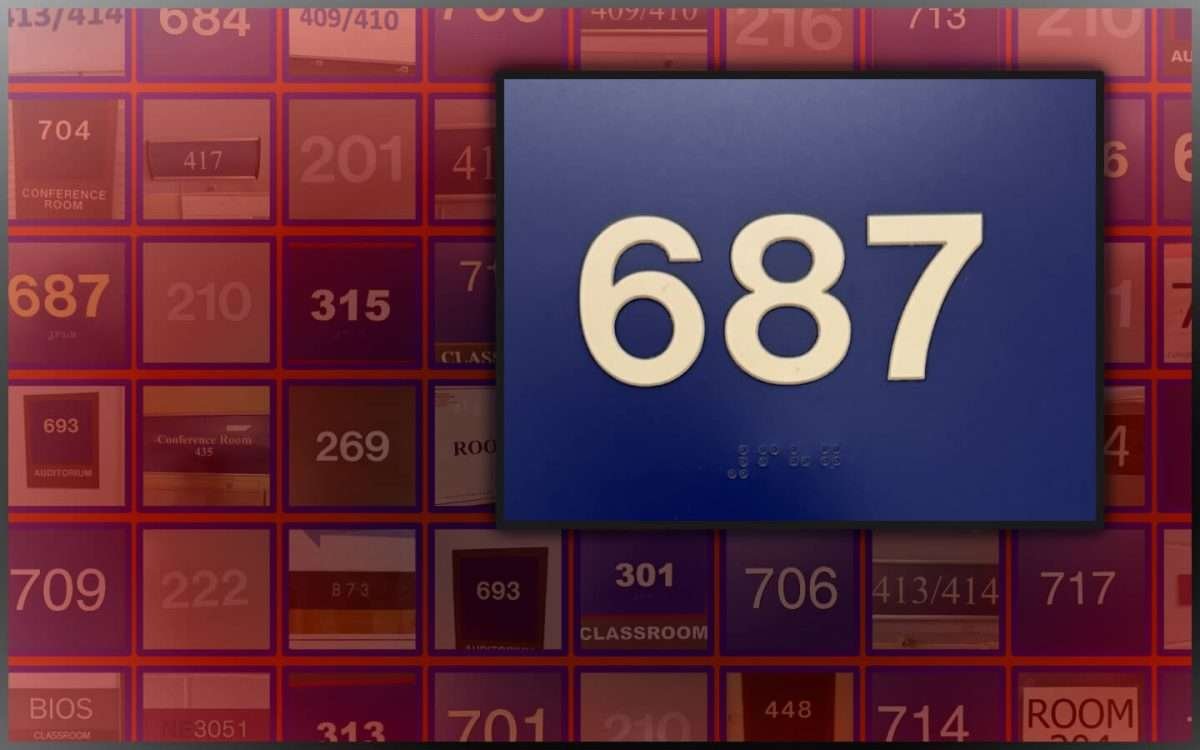
A basic rundown of the process…
- Survey/audit all of the 38 different room layouts and equipment
- Create design drafts
- Feedback stages for design and content
- Final print and production
So many steps and now my feet hurt…
Plan, plan and plan again…
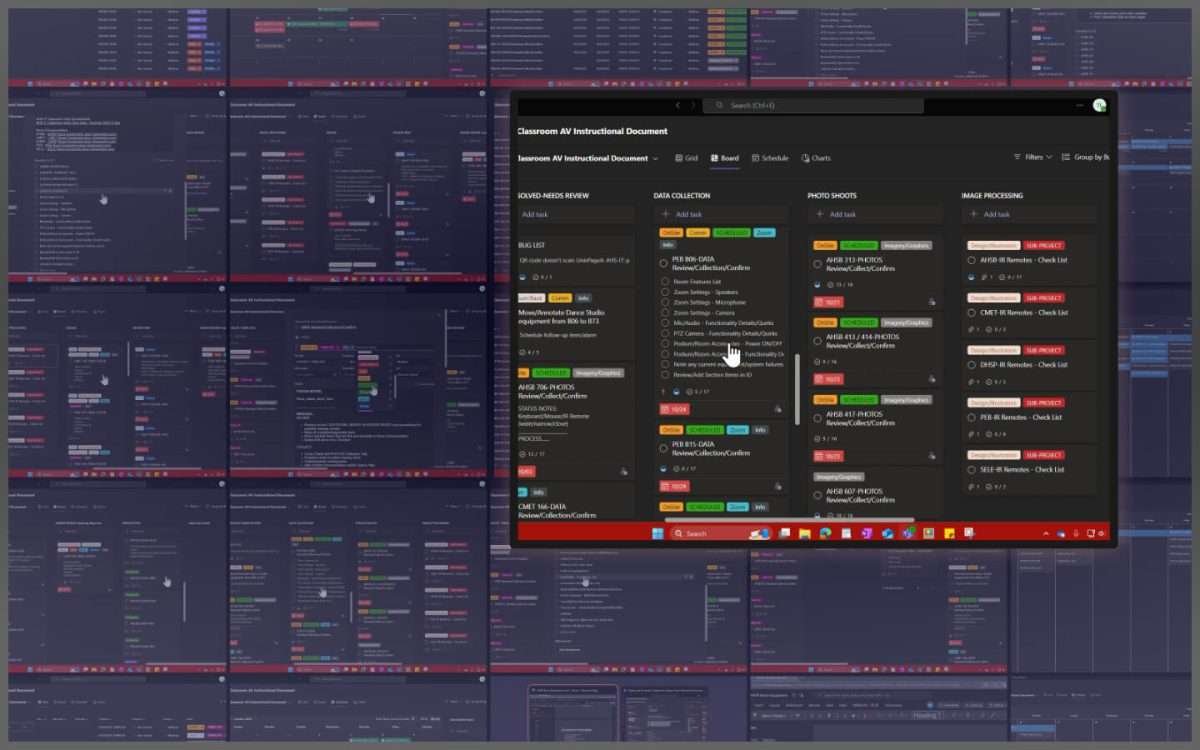
AHS is spread out across five different buildings with three on one campus and the remaining a couple miles away on another. To keep documentation consistent, I made some quick and easy templates in Microsoft Teams planner that were used to document everything in each room. I also used it for scheduling my time since I needed to coordinate with the different departments for room access.
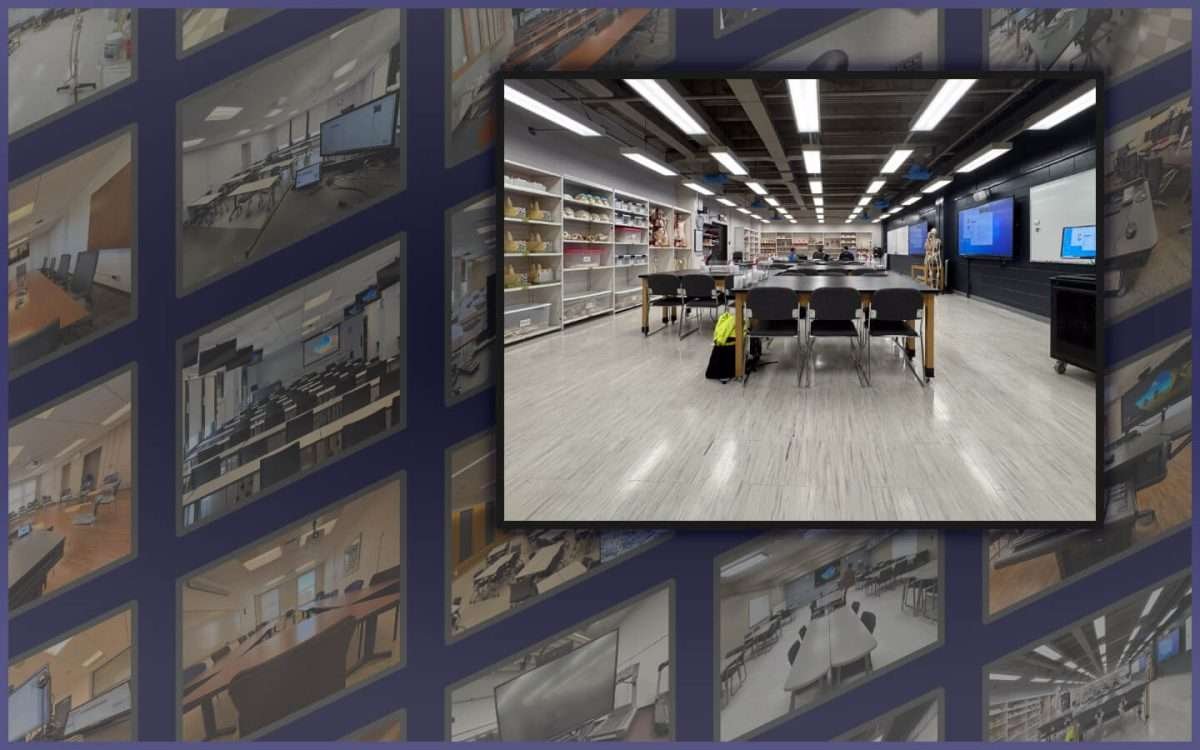
I made documentation simple by first taking multi-angled photos of each room/system and then using copies of the pre-built MS Planner templates. These were just checklists within tasks, but they worked perfectly for making sure each room was throughly documented.
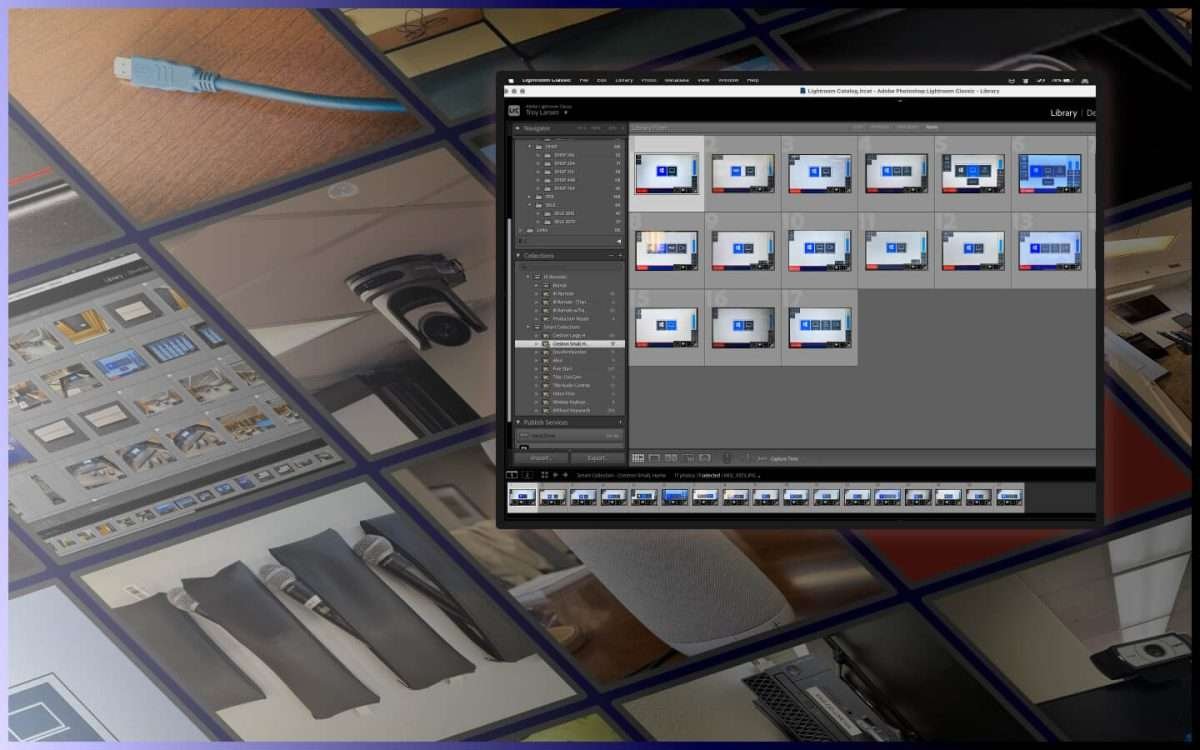
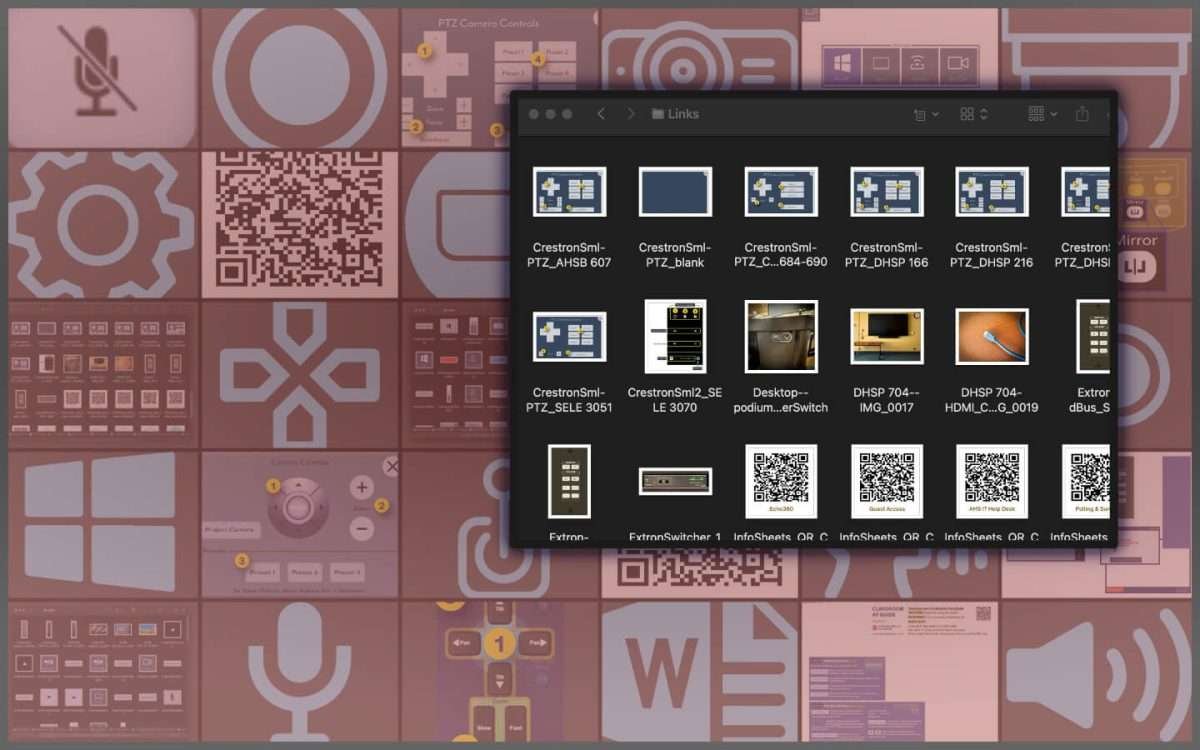
Over 1500 photos were managed in an Adobe Lightroom catalog where I could reference and review everything when working upon the project.
Excel-lent Words.docx Inspire Organization
The equipment inventory was organized in a shared Excel spreadsheet with links to multiple shared Word documents containing the details of each building. I worked directly with a co-worker to put everything together where it continues to be used by staff.
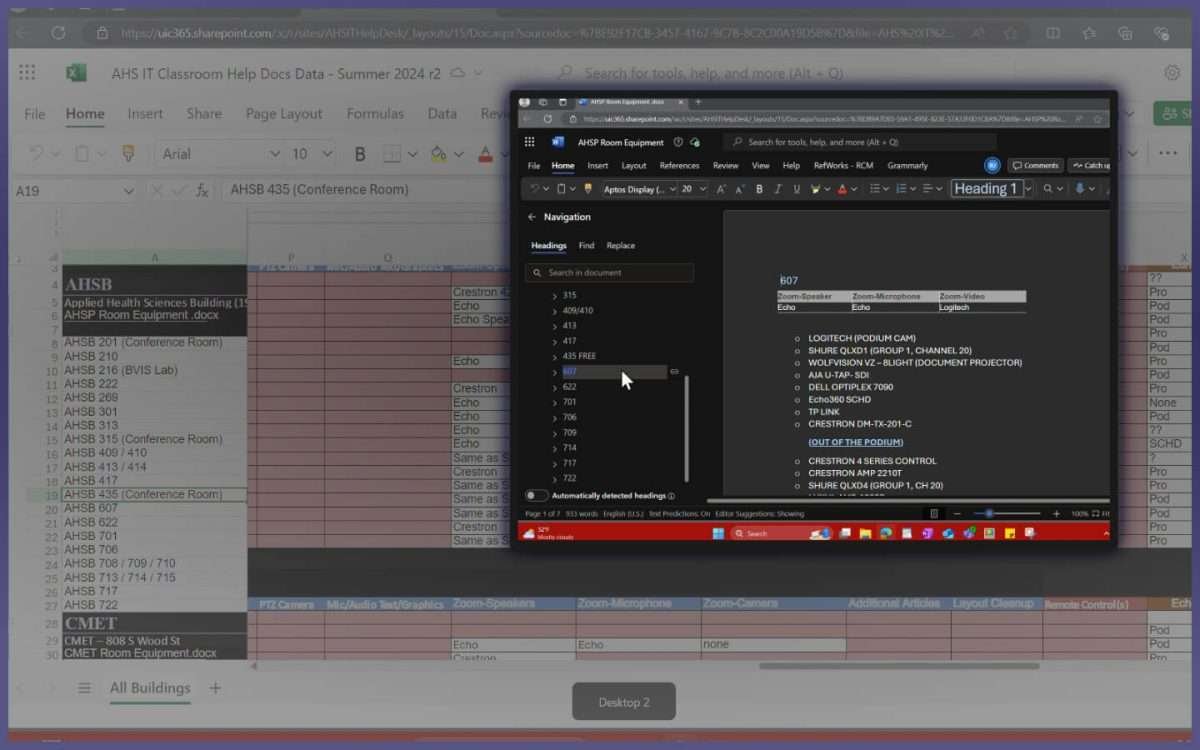
Would you please just get it together…
This is where all of the content was combined together in conjunction with existing graphics to create an initial drafting point. We ended up going in a couple different directions after that but this was the start.
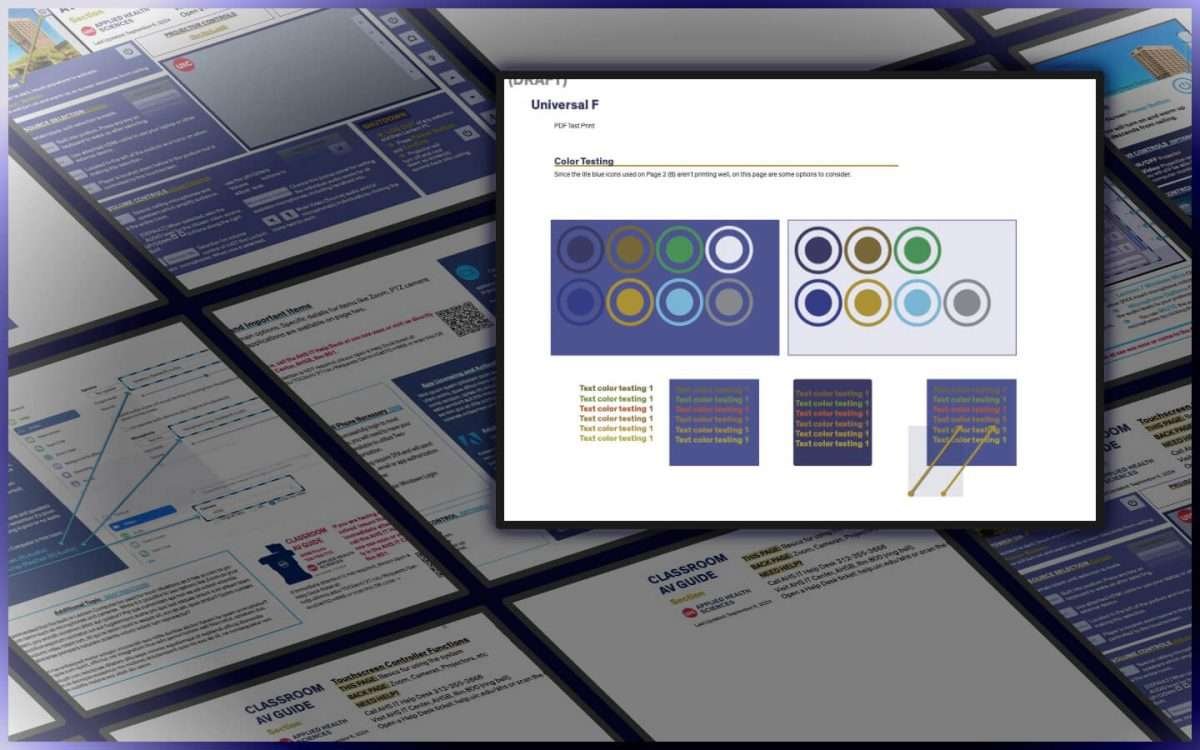
So very graphic, yet stylish…
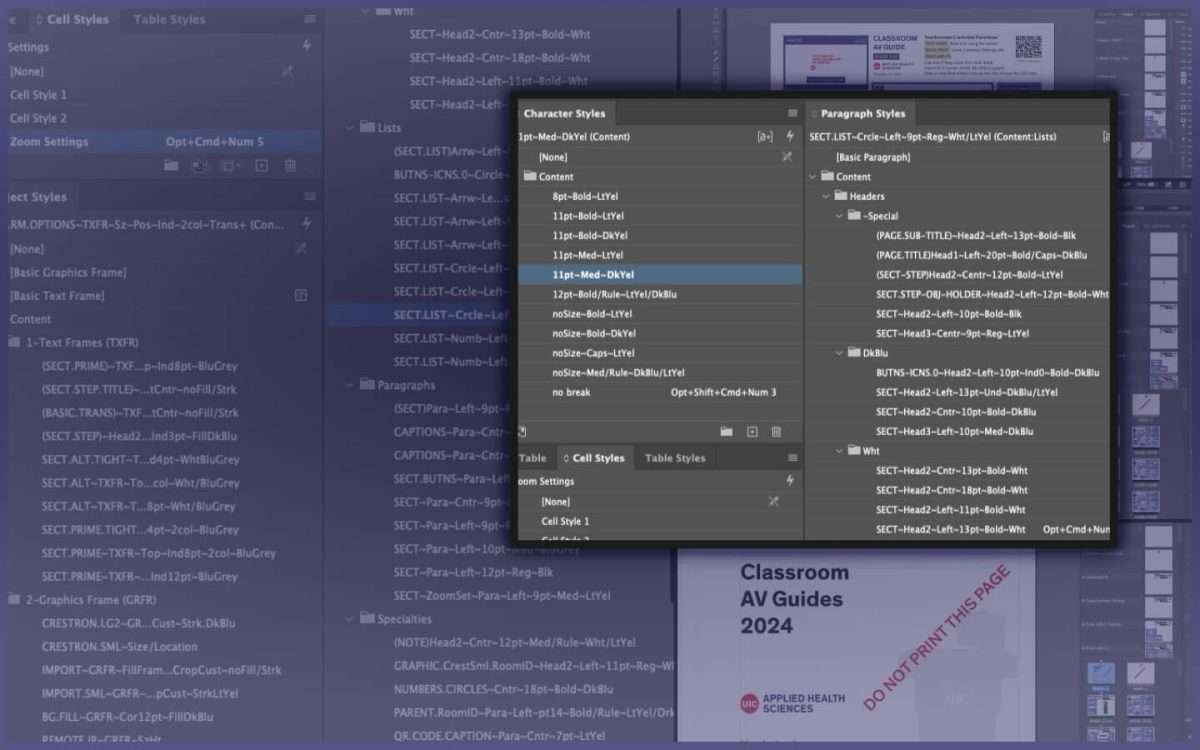
After the review process, it was all about creating graphics and layouts. Every room was different yet we still needed to have uniformity across every document. Each room document was destined to become a laminated, double-sided placard. Production consistency relied upon InDesign chapters, sections and numbering to organize each layout set. Those features were used as variables on parent pages to maintain accuracy with all of the different room identifiers.
And of course the different types of InDesign styles (objects, characters, paragraphs, tables) kept visual consistency across all 38 guides…
Ready for launch…
In the end we had a complete collection of documents that gave end users all of the primary instructions needed to get up and running if they weren’t already familiar with the systems.
It’s going to be a photo finish…
Wrapping everything up, all of the photos were organized into categorized folders upon the shared network drive and made available to all staff. These were very helpful from the very beginning and continue to be so for recalling room details without the constant need to travel onsite.
Conclusion vs. Concussion
I really enjoyed working on campus again, having the opportunity to put together a multi-step project and then see it through to completion. The final work was well-received and will optimally be used over the next couple years before they need any major revisions. And in that case, they have all original documents and the side benefit of an extensive library of onsite photos of their entire domain.